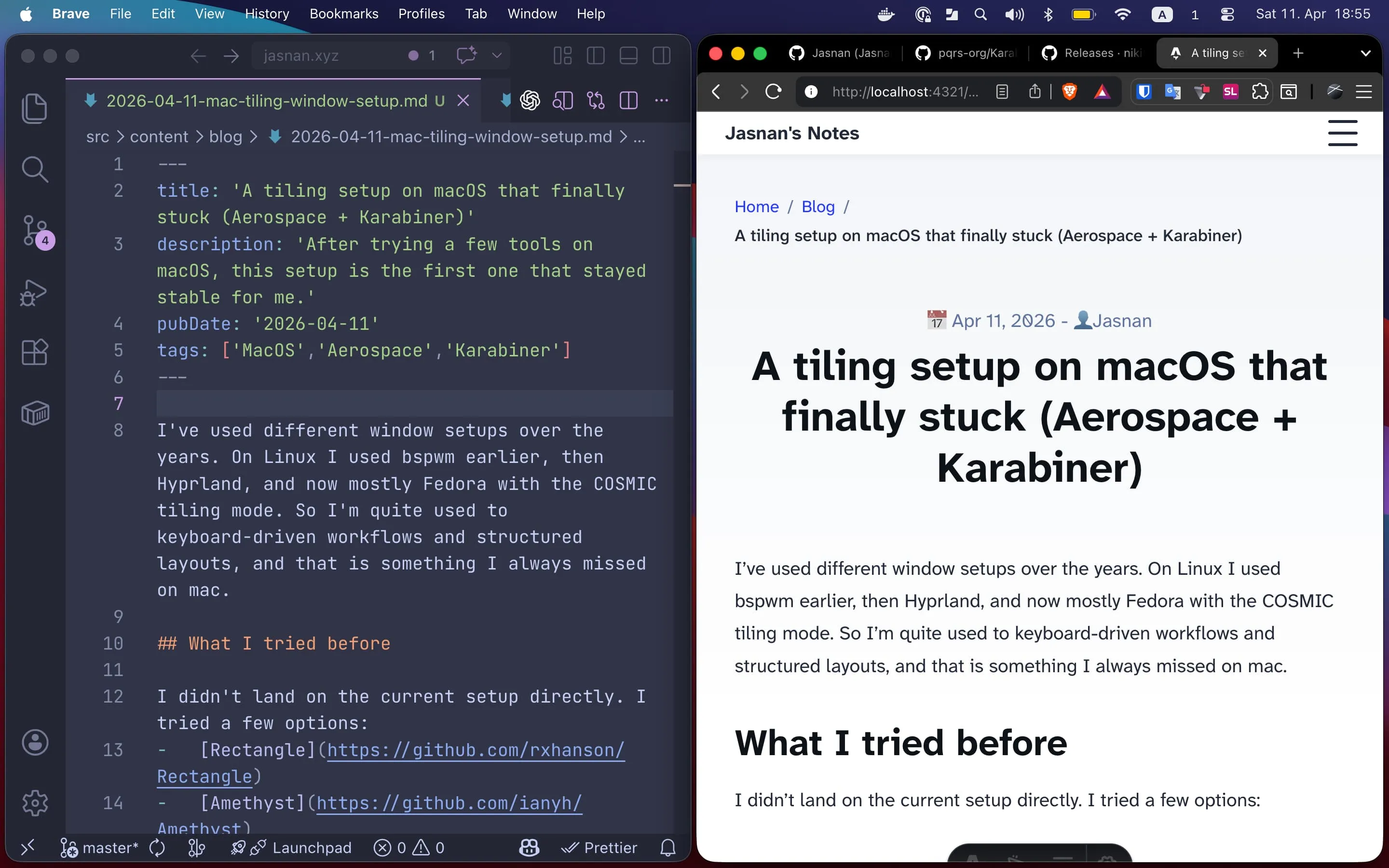
I’ve used different window setups over the years. On Linux I used bspwm earlier, then Hyprland, and now mostly Fedora with the COSMIC tiling mode. So I’m quite used to keyboard-driven workflows and structured layouts. That is something I always missed on macOS.
This setup is most useful when I work only on the laptop. With an external monitor, macOS is manageable. But on a single screen, tiling removes a lot of friction. Layouts stay clean, switching is faster, and I use the trackpad much less.
What I tried before
I didn’t land on the current setup directly. I tried a few options:
Rectangle was simple, but a bit limited for my use. I tried it around 4 or 5 years ago and don’t remember all the details now, but I think things like assigning apps to specific workspaces were missing. Amethyst and Yabai worked better for me, and I used each of them for at least 6 months or more. Yabai in particular was quite close to what I wanted, but the setup was more involved, and it didn’t always survive restarts or macOS upgrades cleanly. So I kept falling back to default macOS behavior.
Aerospace
Aerospace is the first one that stayed. Not because it does everything, but because it does the basics in a reliable way.
Even with Aerospace, things didn’t feel right initially. Workspaces moved around, focus jumped between screens, and apps opened in places I didn’t expect. That turned out to be macOS, not Aerospace.
The settings that made it usable
These settings made the biggest difference.
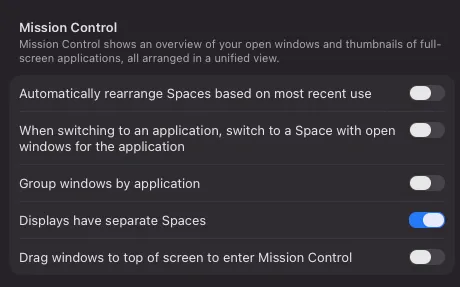
System Settings → Desktop & Dock:
- Automatically rearrange Spaces → OFF
- When switching to an application, switch to a Space → OFF
- Group windows by application → OFF
- Displays have separate Spaces → ON
After this, workspaces behave in a stable and predictable way.
Also:
Privacy & Security → Accessibility
- Aerospace must be enabled
Without that, window movement and focus control don’t work properly.
My Aerospace setup
I kept it minimal and only use what I actually need day to day.
Navigation
alt + h/j/k/l → focus
alt + shift + h/j/k/l → move windows
This matches my usual muscle memory, so there was nothing new to learn.
Workspaces
alt + 1..6 → main workspaces
alt + t → terminal
alt + s → slack
And moving windows:
alt + shift + key → send windowAutomatic placement
This removes a lot of small decisions.
slack → workspace S
brave → workspace B
kitty → workspace T
Apps open where I expect them, which makes a bigger difference than it sounds.
App shortcuts using Karabiner
I use this small FOSS tool Karabiner-Elements to launch my most used apps with simple key shortcuts:
o + s → Slack
o + b → Brave
o + c → ChatGPT
o + t → Terminal
Stability
This is the main reason I kept it. Aerospace is still in public beta, but in my experience it has been more stable than the other setups I tried. I’ve been using it for around two years now. It survived restarts and multiple macOS upgrades without any extra fixes.